One box that hands out databases and buckets.
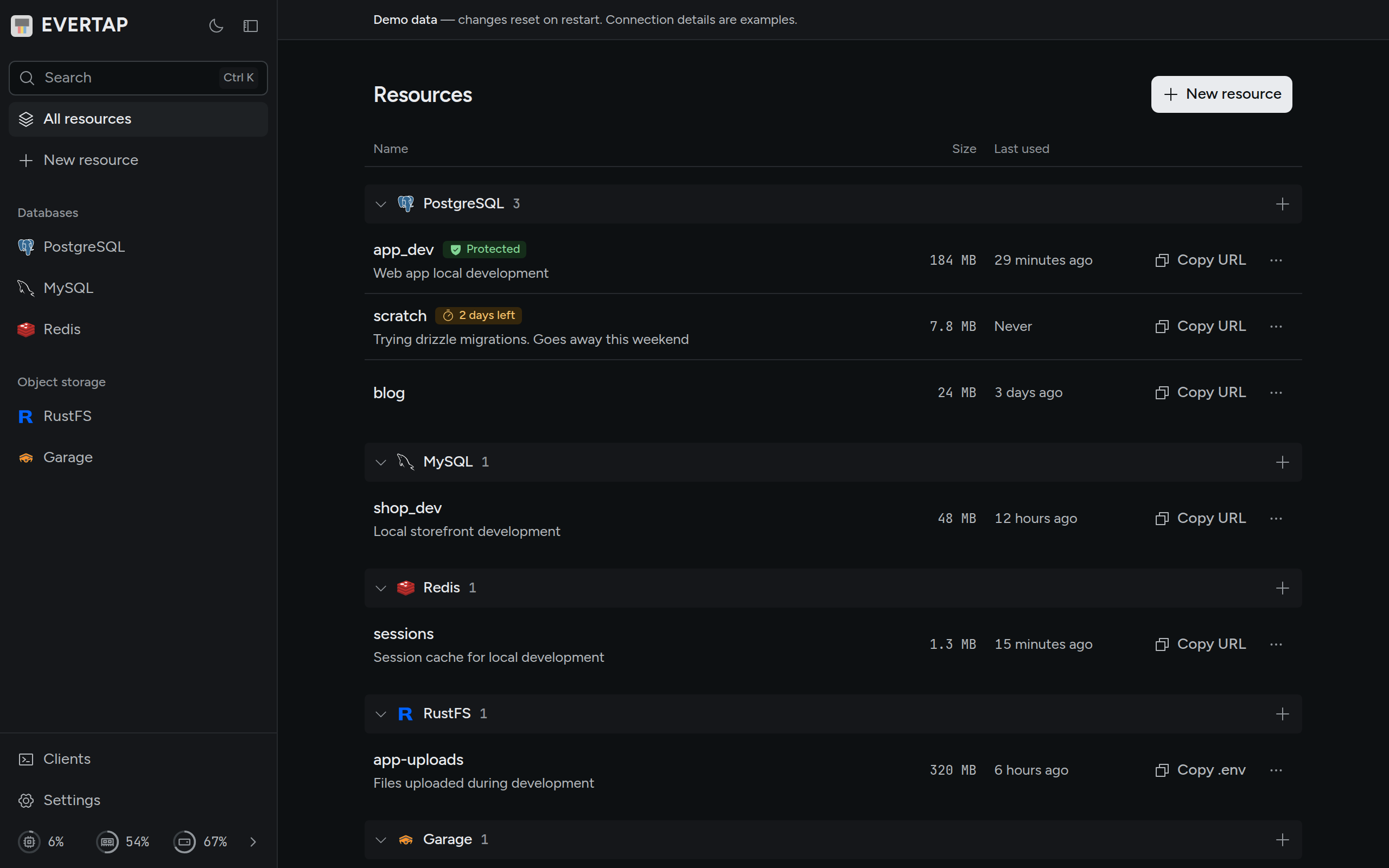
evertap runs PostgreSQL®, MySQL®, Redis®, and S3-compatible buckets (RustFS, Garage) in Docker on your home server, a VPS, or the computer you develop on. Create one from the web UI or the CLI, then copy its connection details.
curl -fsSL https://evertap.dev/install.sh | sh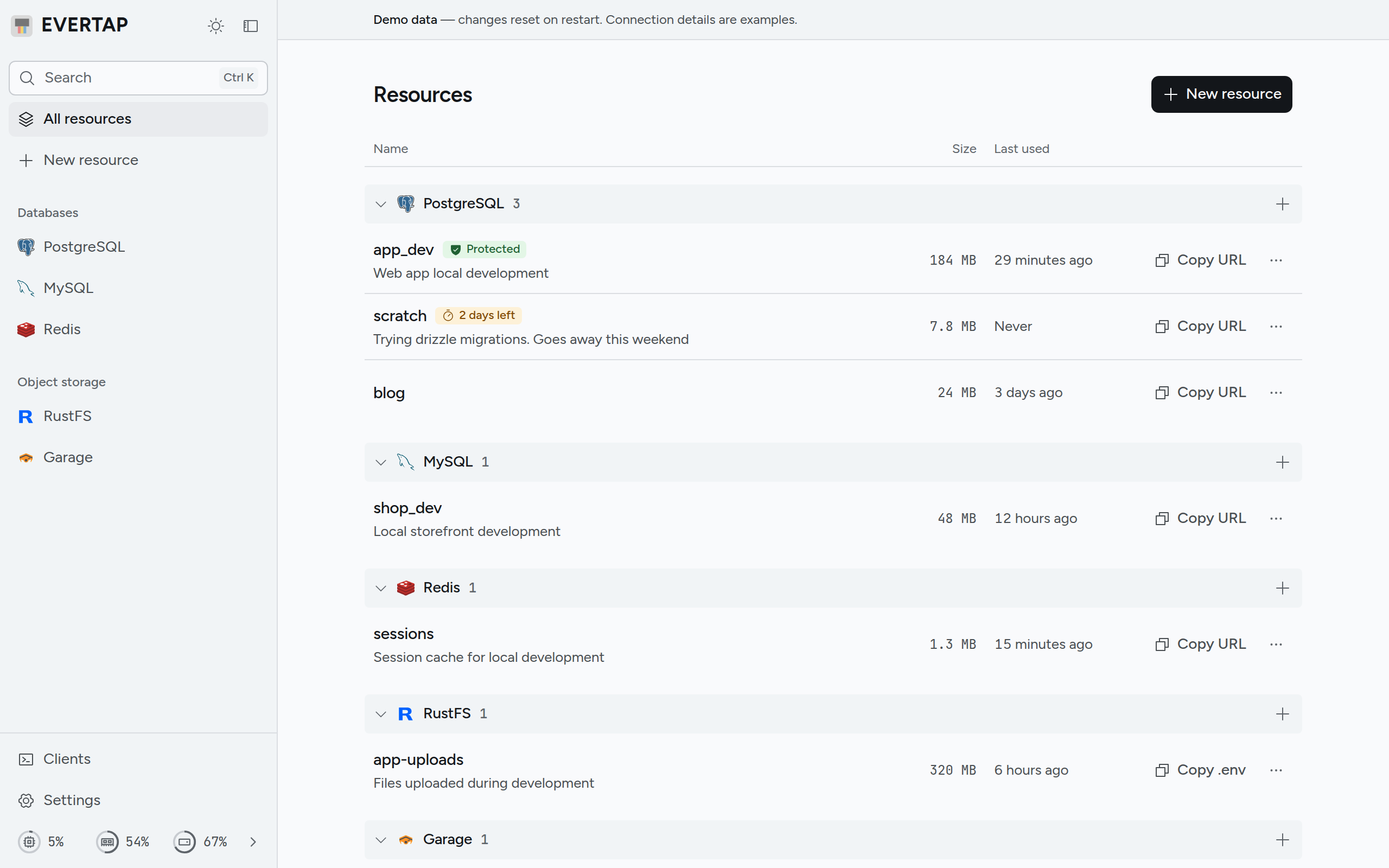
No db: in each Compose file
Before
- api
db:5432 - blog
db:5433 - shop
db:3306
After
- api
.envev.internal - blog
.envev.internal - shop
.envev.internal
evertap
- api_dev
- blog
- shop_dev
The same .env wherever evertap runs
DATABASE_URL=- This computer
- Home server
- VPS
One box for five services
- Browser
- CLI
- CI
evertap
Docker
- PostgreSQL
18 · 17 · 16 · 15 - MySQL
9.7 · 8.4 - Redis®
8.10 · 8.2 · 7.4  RustFS
S3 Garage
S3
Each service keeps its own license (the list).
Create, then copy
blog
postgres://blog:••••@CopiedTemporary, kept, or protected
- scratch2 days left7 days unusedscratch
- scratch2 days leftKeepscratch
- app_devProtectapp_devProtected
Get started
Install
curl -fsSL https://evertap.dev/install.sh | shThe script checks the download against the release's checksums. Install
Choose how it is reached
evertap setupWith
evertap serverunning, pick this computer only, your network, or a Cloudflare Tunnel. ModesCreate a database
evertap create postgres blogIt prints the connection URL. On a laptop,
evertap connectcarries it to evertap. Connect